
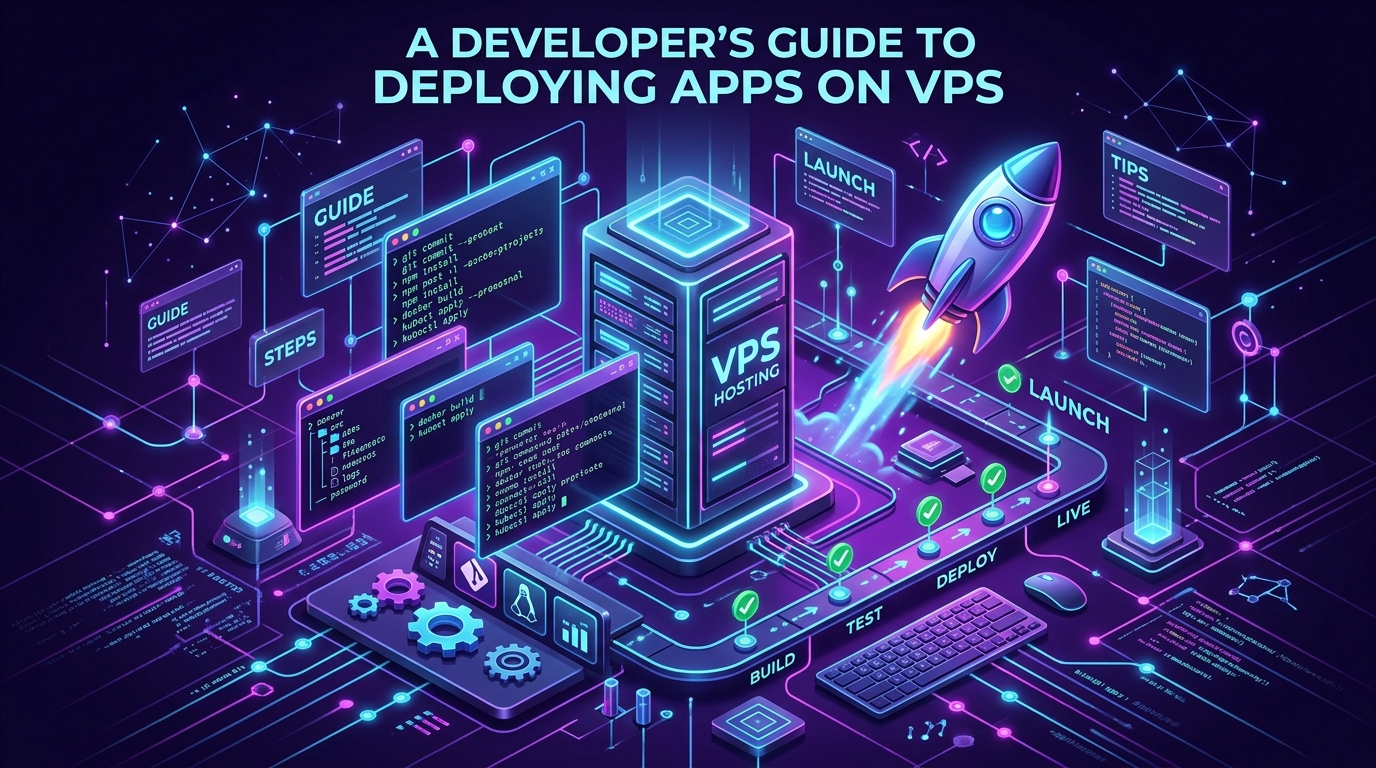
Welcome to A Developer's Guide to Deploying Apps on a VPS. Transitioning from local development (localhost) to a live Virtual Private Server (VPS) is a major milestone for any developer. It requires a solid grasp of Linux administration, networking, and deployment pipelines. This guide covers the essential steps to get your app live, secure, and performant.
1. Initial Server Provisioning and Security
Before you ever upload a line of code, you must secure your new Linux environment. Log in as root, immediately create a new non-root user with sudo privileges, and disable root login over SSH. Configure SSH key authentication rather than passwords to prevent brute-force attacks, and establish a strict UFW (Uncomplicated Firewall) to block all ports except standard HTTP (80), HTTPS (443), and SSH (22).
2. Installing Dependencies
Update your package manager (e.g., apt update && apt upgrade) to ensure you have the latest security patches. Install the necessary runtimes for your application—whether that's Node.js, Python, Ruby, PHP, or Docker. If your application relies on a database (like PostgreSQL, MySQL, or MongoDB), install and secure it now, ensuring it only listens on localhost (127.0.0.1).
3. Choosing and Configuring a Web Server
A web server sits between the internet and your application. Nginx is widely preferred for modern application deployment due to its incredibly lightweight, event-driven architecture. Configure Nginx to act as a reverse proxy; it will receive incoming HTTP requests on port 80 and route them internally to the port your application is listening on (e.g., 3000 for a Node.js app).
4. Managing Application Processes
Never run your application in a naked terminal session (e.g., just typing node app.js). If your SSH session closes, your app dies. Furthermore, if your app crashes, it won't restart. Use a process manager like PM2 (for Node.js) or configure a systemd service. These tools ensure your application runs as a background daemon, restarts automatically on failure, and starts up automatically when the server reboots.
5. Securing with Let's Encrypt (SSL/HTTPS)
Serving your application over plain HTTP is no longer acceptable. Use Certbot by Let's Encrypt to automatically provision free SSL certificates for your domain. Certbot can automatically reconfigure your Nginx setup to enforce HTTPS and set up a cron job to renew the certificates before they expire, ensuring your application remains securely encrypted year-round without manual intervention.
6. Implementing CI/CD (Continuous Deployment)
Uploading files manually via FTP or SCP is tedious and error-prone. Modern developers automate deployments. Set up a CI/CD pipeline using GitHub Actions, GitLab CI, or a simple Git webhook. When you push code to your main branch, the pipeline can automatically SSH into your server, pull the latest code, run build scripts, and restart your process manager.
Conclusion
Deploying an application to a VPS gives you ultimate flexibility and control over your environment, allowing you to optimize specifically for your stack. Mastering VPS deployment bridges the gap between writing code and delivering reliable, scalable software to the world. If you need powerful, scalable infrastructure to host your next big project, check out Cloudmorix's optimized VPS Hosting solutions.